Runnycan for Playdate
A downloadable tool
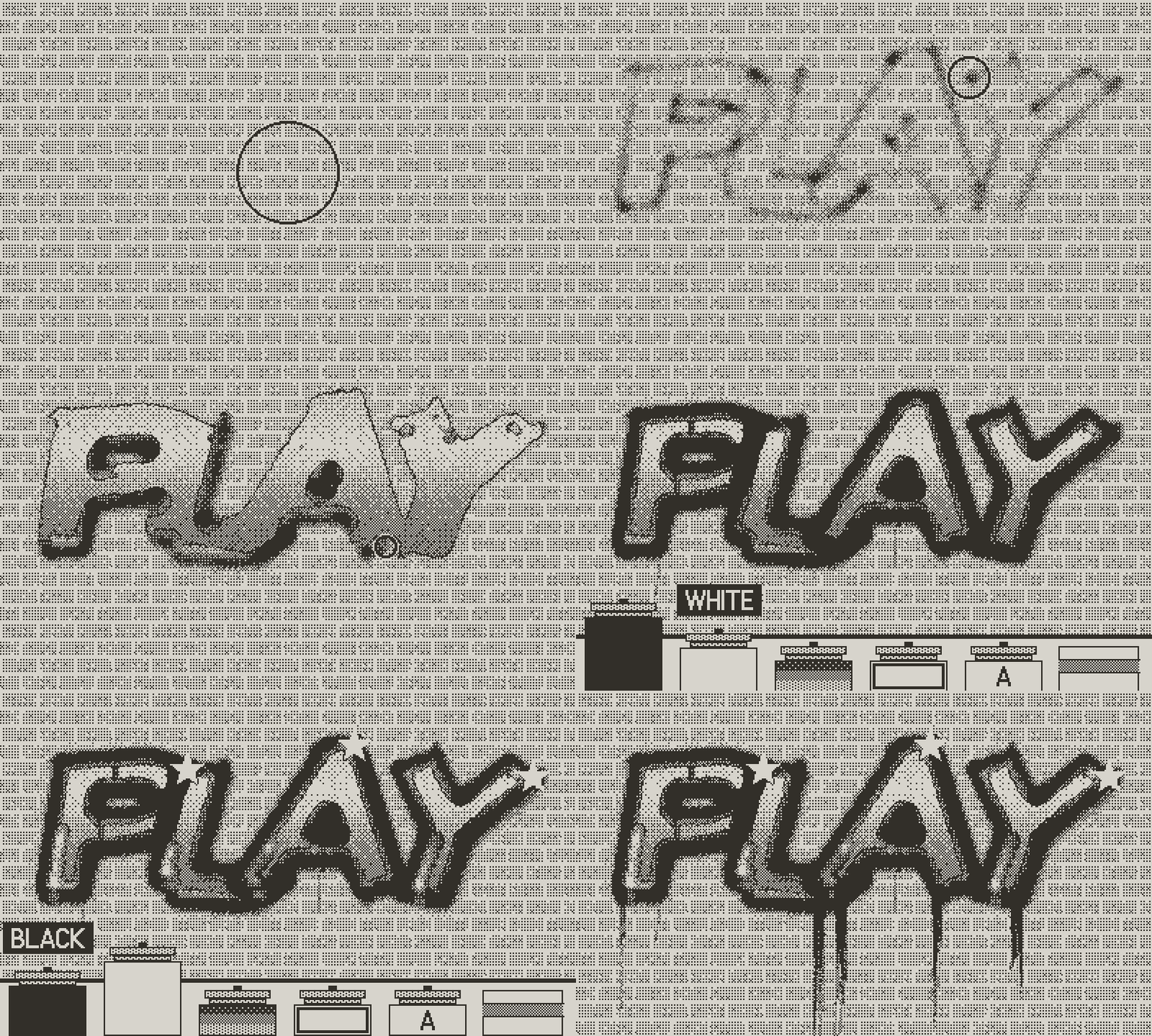
Runnycan is a graffiti wall in your hands. Hold Ⓐ to spray, turn the crank to step closer to the wall or further away, and keep the can on one spot a little too long: the paint sags, runs and drips, just like the real thing.
Chrome bubble letters, crisp outlines, stencils and stars, on brick, concrete, wood or a rolling shutter. No mess, no permission needed, and every piece is saved in your gallery.
Made for Playdate
Playdate has a crisp black-and-white screen, a d-pad, A and B buttons, and a crank on the side, and Runnycan is made to use all of them.
- The crank is your distance to the wall: wind it in for a tight, heavy line that runs, out for soft, dusty overspray. Hold Ⓑ and turn to zoom.
- A 1-bit screen. Every picture is pure black and white, 400 × 240 pixels, so shades come from dither patterns. It looks wonderfully crisp in daylight.
How it works: from the first line to the last drip
One piece, WOW in chrome on brick, from sketch to export.
01 · Sketch your letters
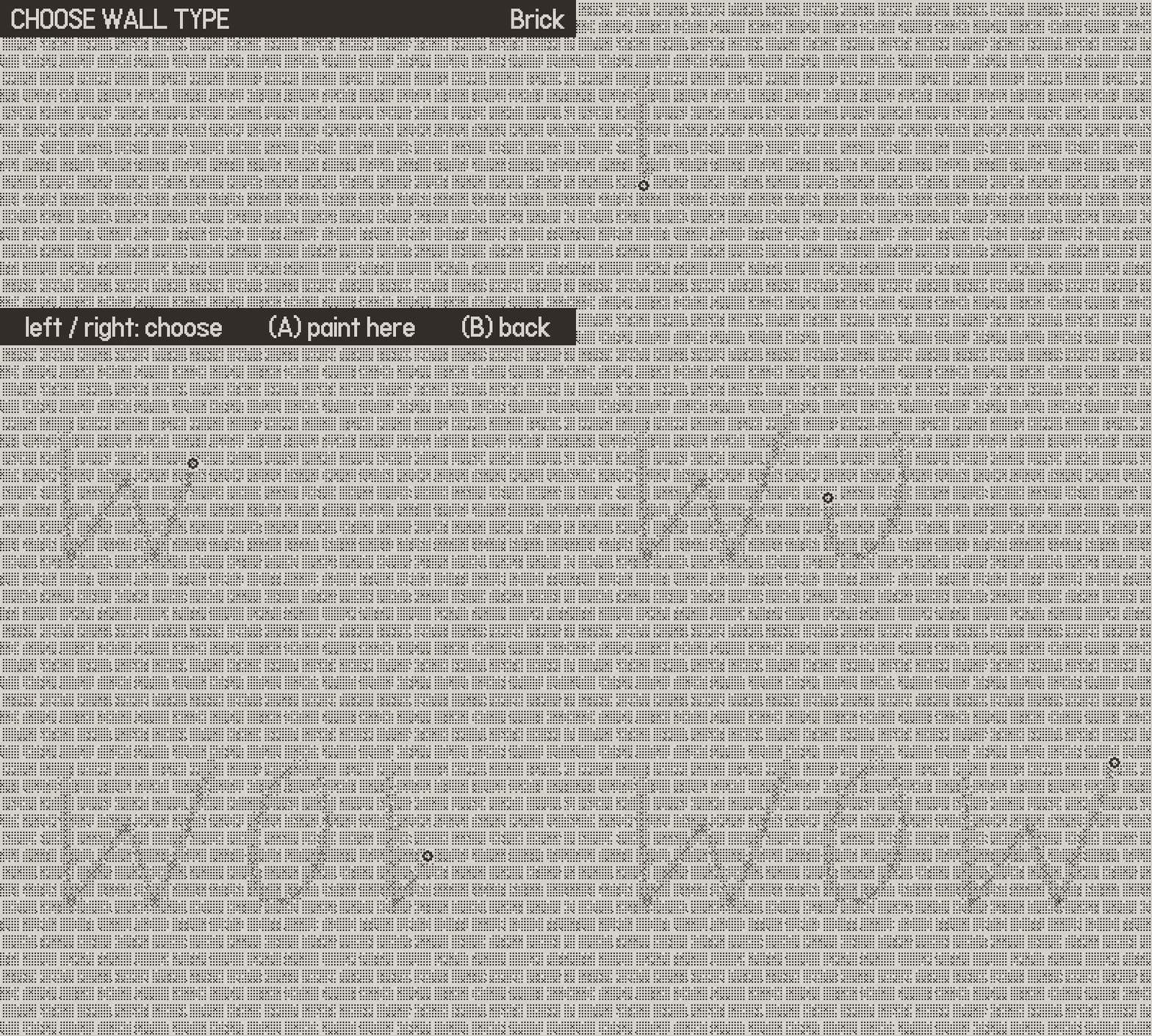
Start a new piece and flip through nine walls: brick, concrete, metal, wood, tile, shutter and more. Hold Ⓐ to spray, steer with the d-pad, and turn the crank toward the wall for a tight line, or away for a dusty, wide one.
Hold Ⓐ = spray · Crank = distance
02 · Pick a can
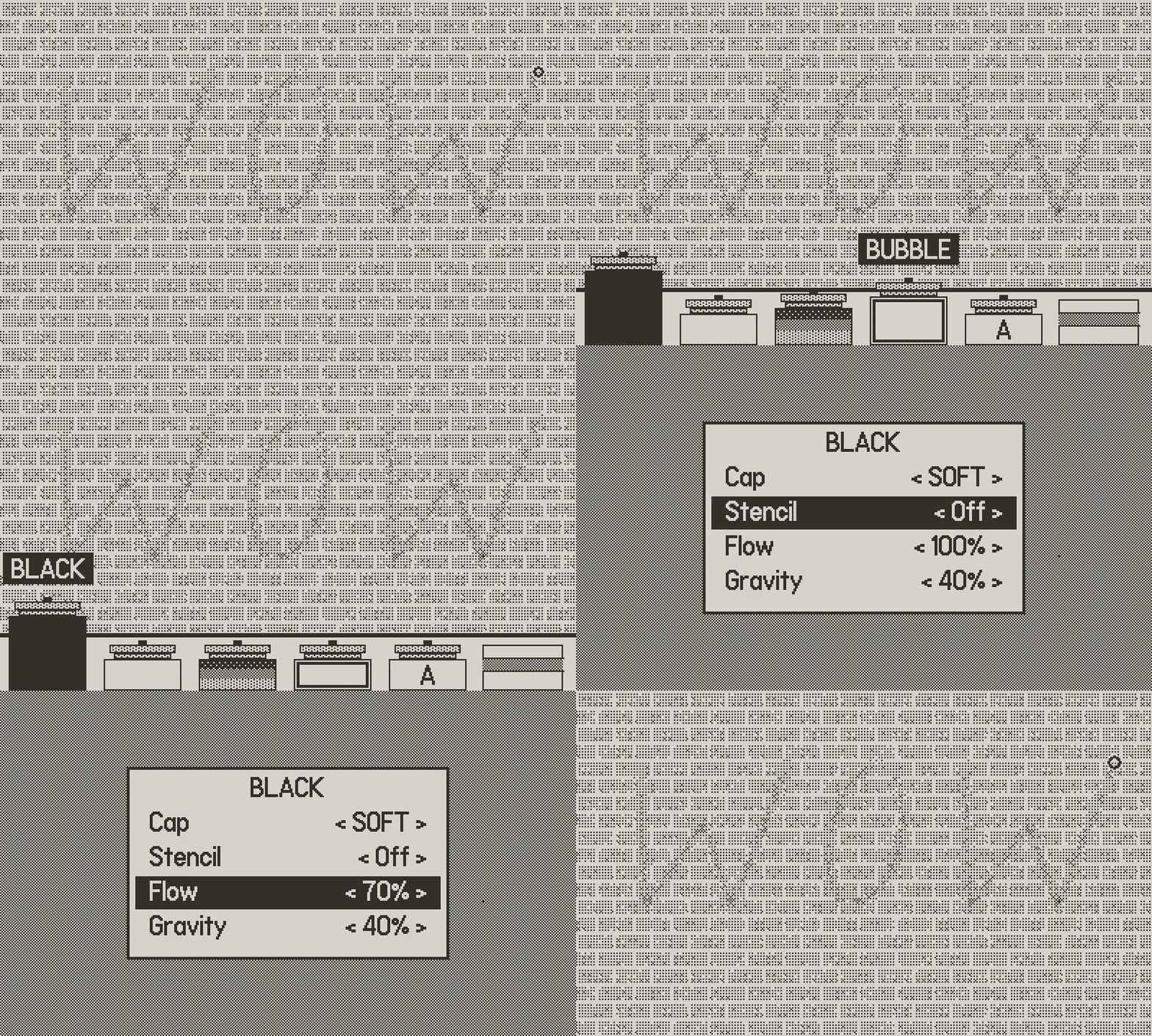
Tap Ⓑ and the rack slides up: Black, White, Chrome, Bubble, ABC letter stamps and Erase. Every can has its own cap, flow and gravity, from a fine needle to a big drippy splat.
Ⓑ = rack · 7 caps
03 · Set up a bubble fill
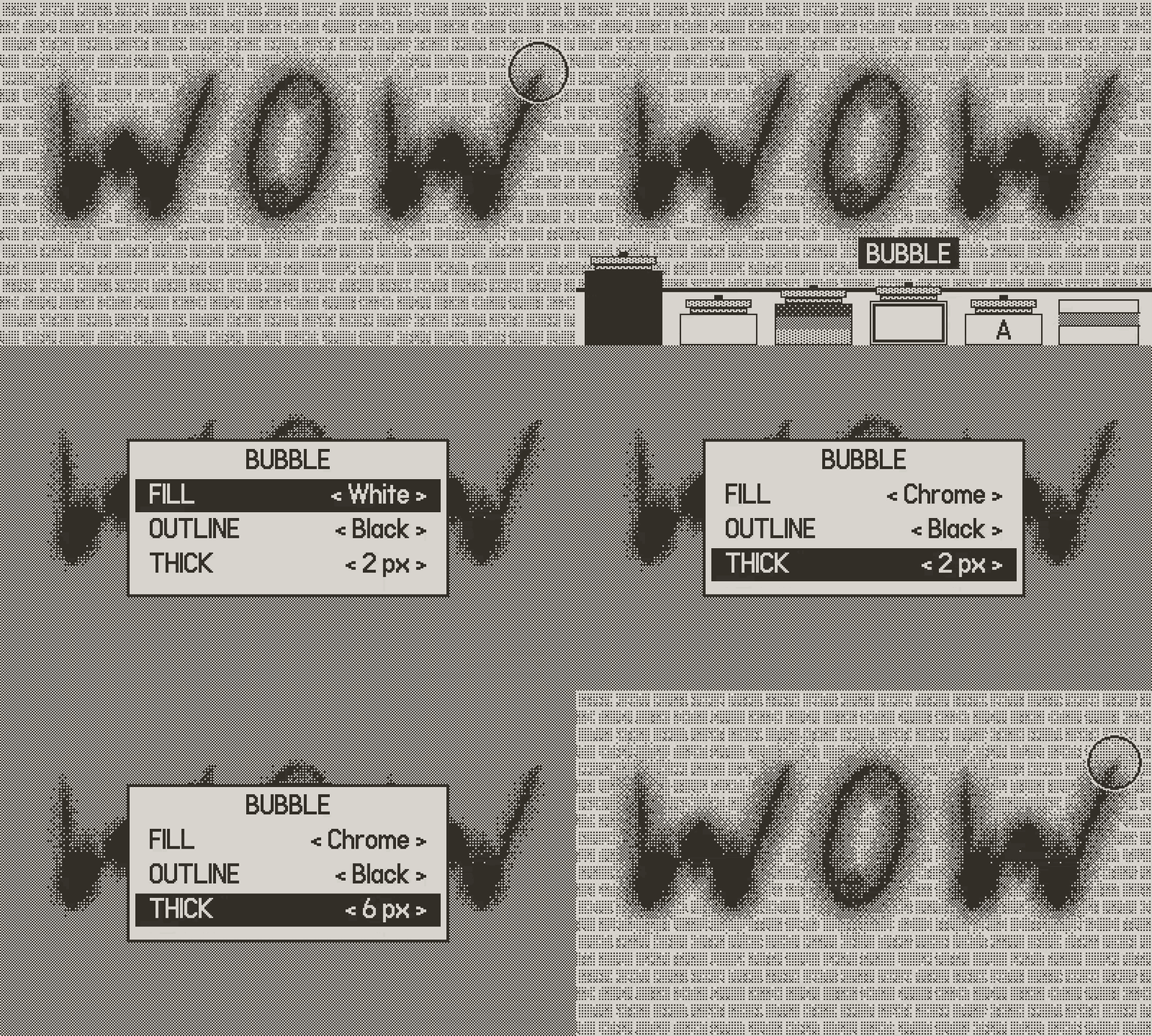
Press Ⓐ again on the Bubble can to choose its fill, outline and thickness. Black, white or chrome, the classic throw-up look.
Fill · Outline · Thickness
04 · Fill it in
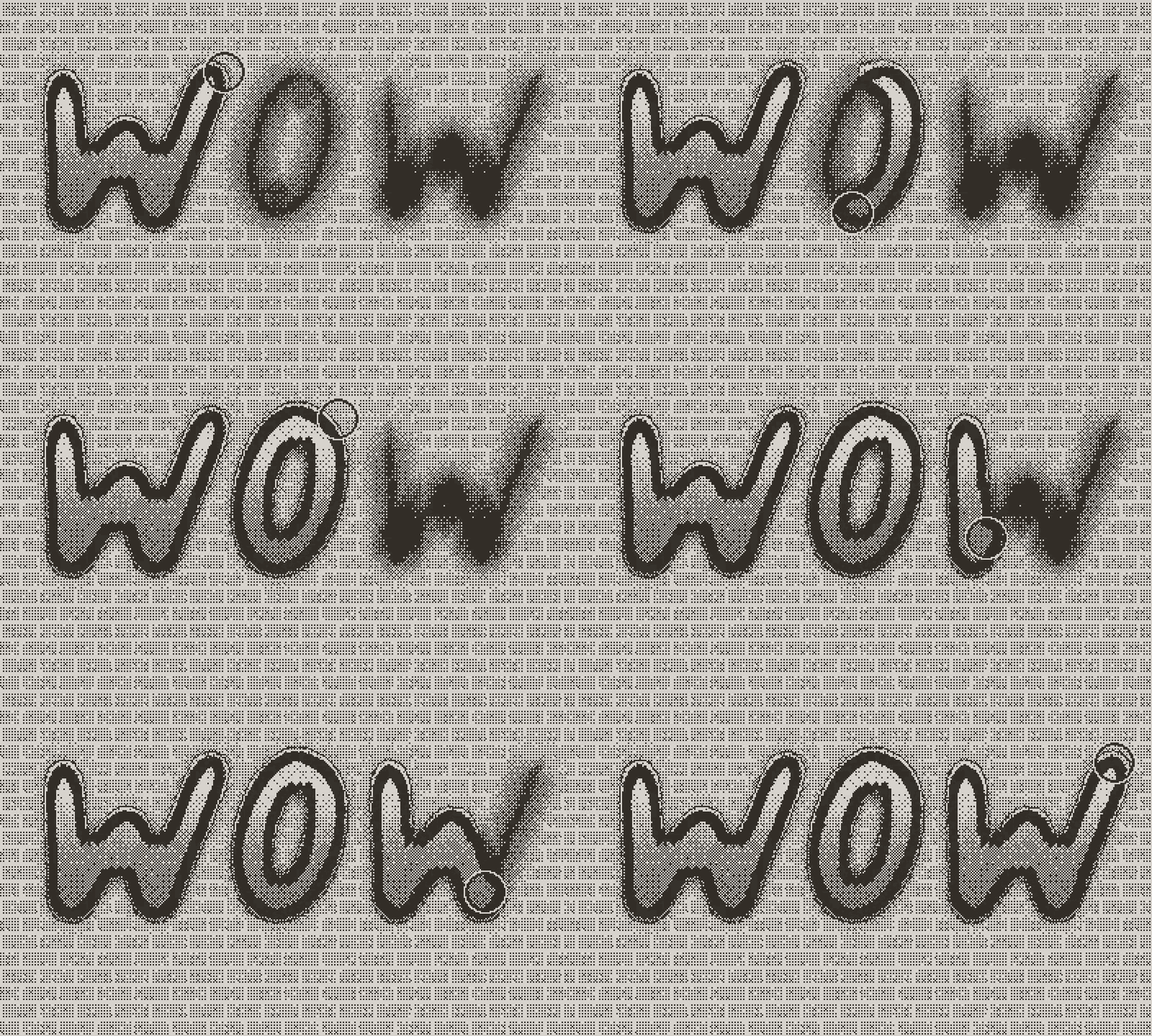
Trace your letters and they fill with a silver gradient, while a crisp outline grows around the whole shape all on its own.
Chrome · Auto outline
05 · Let it run
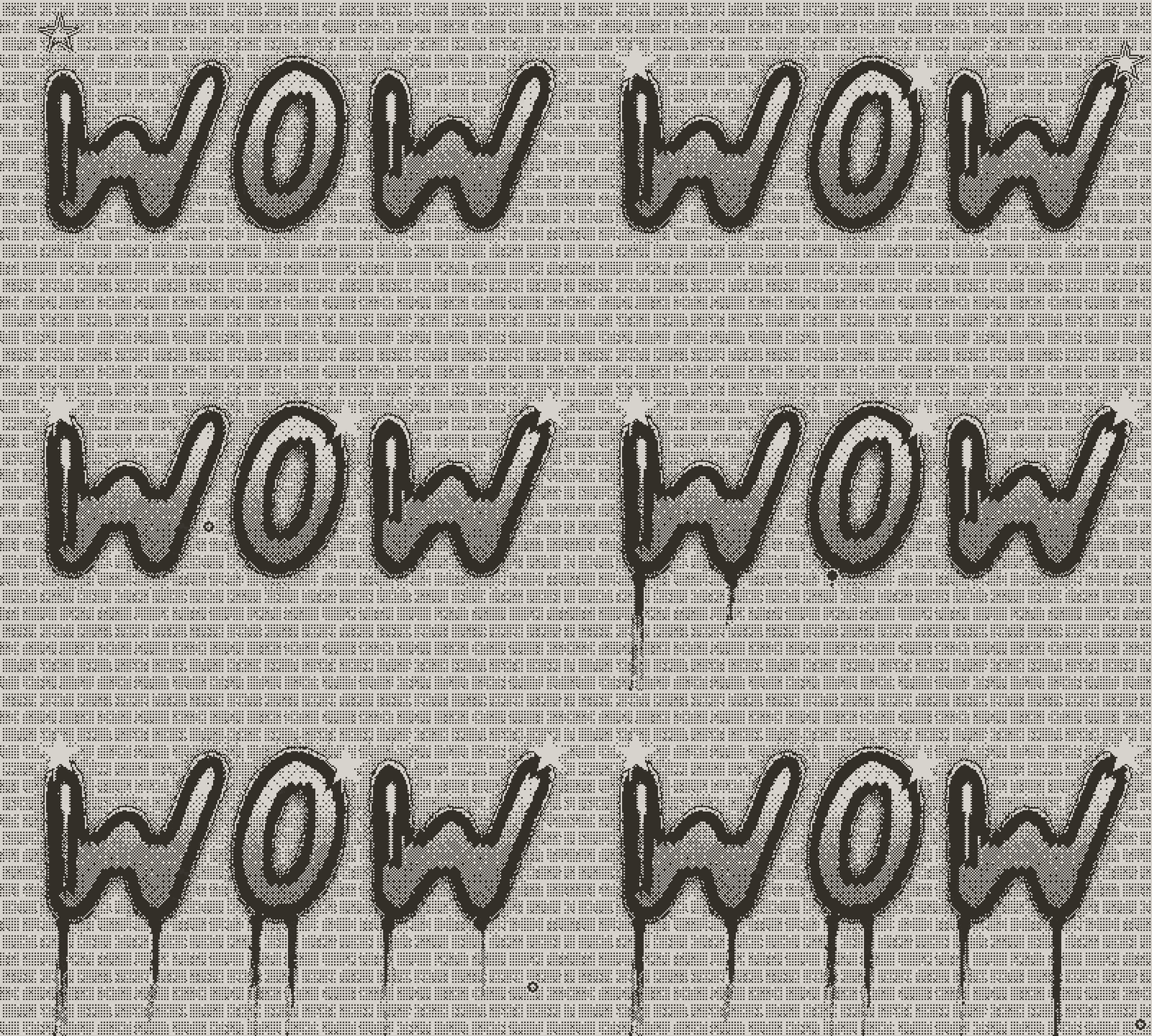
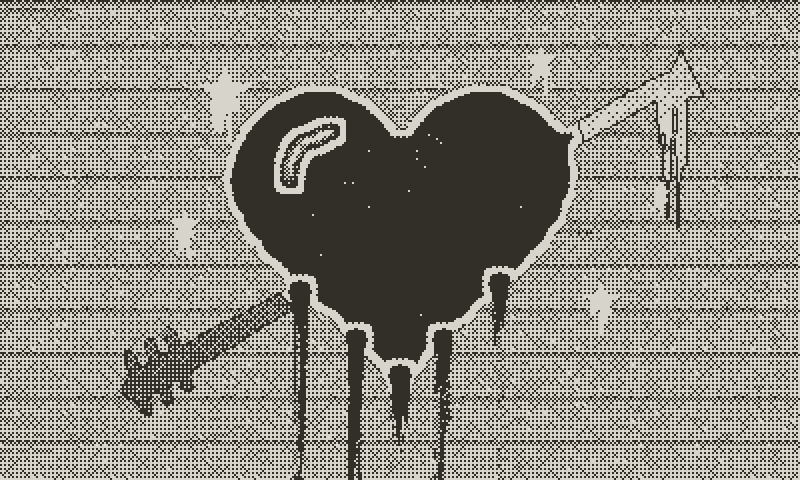
Switch to a drippy cap and hold the can still under each letter. The paint saturates and runs into drips with heavy bulbs at the end. Add a star stencil for sparkles and a few white highlights.
Real drip physics · Stencils
06 · Save, undo, export
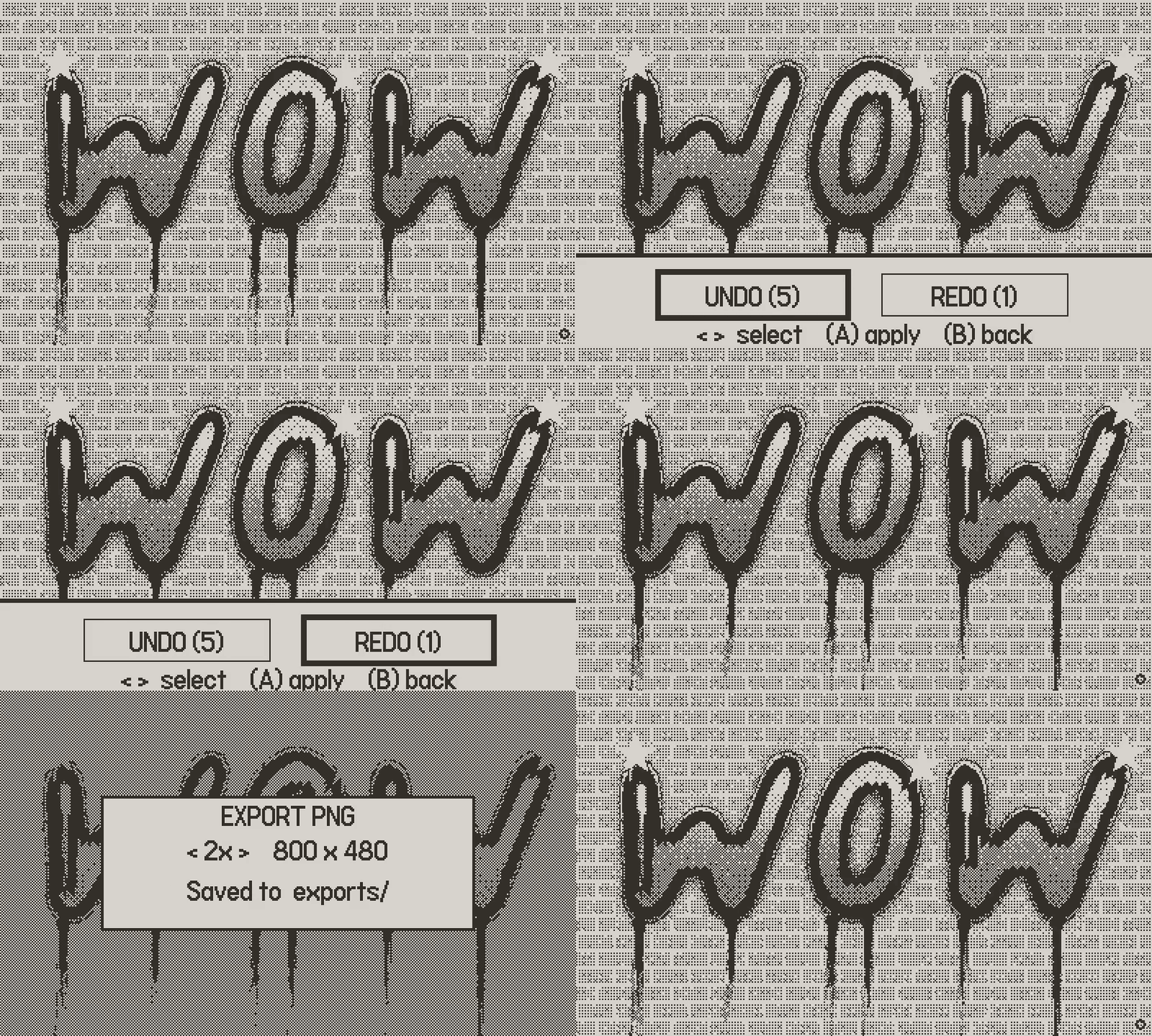
Your piece saves itself as you work. Undo a stroke from the system menu, and export a PNG at up to 1600 × 960 to share with friends.
Autosave · PNG export
Every wall is a blank canvas
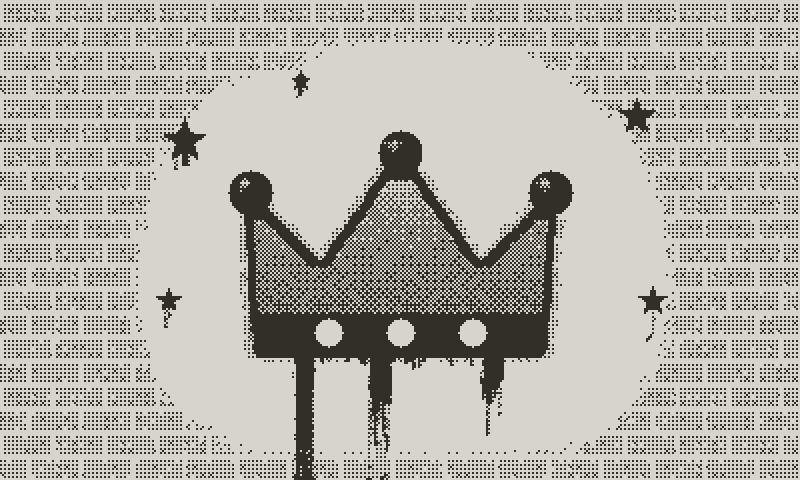
- A name piece for a friend. Chrome bubble letters of their name on brick, black drips underneath and a couple of star sparkles. Exported large and sent as an image.
- Two minutes of tagging. A new shutter wall, a quick black tag with a skinny cap, and a pause at the end of each stroke to watch it run. Saved, back to work.
- A stencil poster. Pin a big 3D block letter as a stencil, dust the wall around it from far away, lift it off, and the clean letter pops out of the paint.
Graffiti is about confidence: a quick line, a bold letter, a style that is unmistakably yours. Runnycan lets you practise that freely, with nothing to clean up.
Everything inside
- Paint that behaves: wet paint sags, drips run and pick up colour, and a quick dab sets before it runs
- Six cans: black, white, chrome, bubble, letter stamps, and an eraser that rubs back to the wall
- Seven caps: Needle, Skinny, Hard, Medium, Soft, Drippy and Splat, each with its own character
- Stencils: box, circle, triangle, star, bar, and a movable letter stencil with optional 3D extrusion
- Nine walls: white, black, brick, concrete, metal, wood, tile, shutter and grid
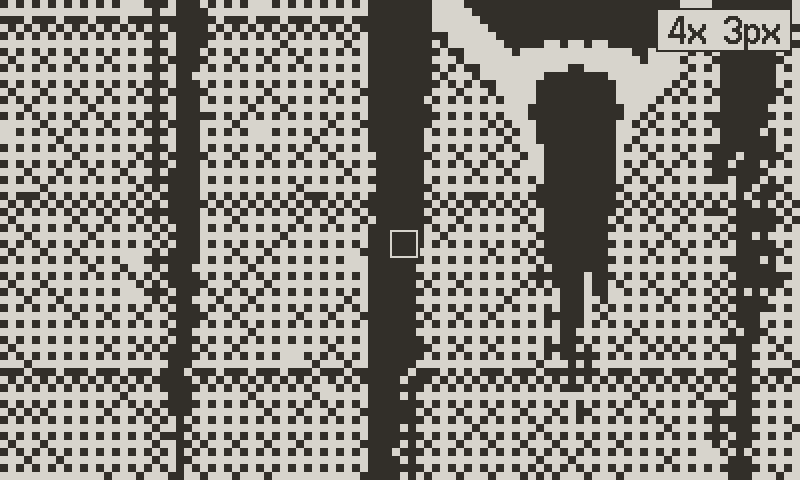
- Pixel mode: zoom in up to 4× for pixel-precise clean-up
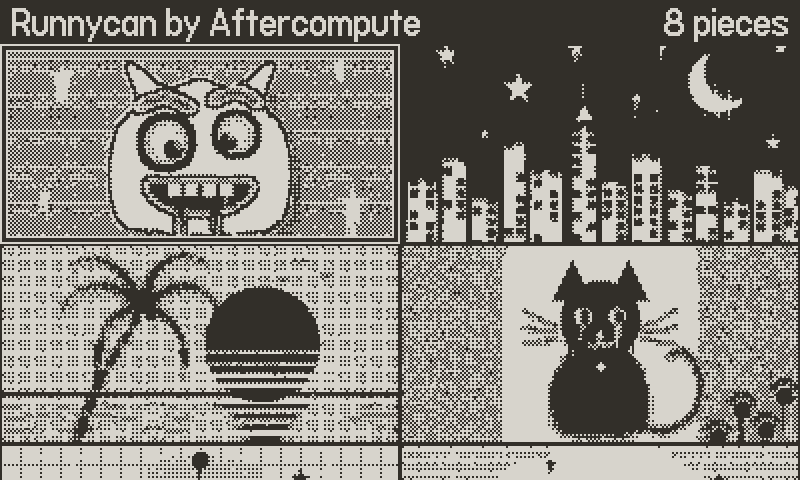
- Gallery of 99 pieces: autosaved, with thumbnails and undo and redo
- PNG export: 400 × 240, 800 × 480 or 1600 × 960
- Sound you can feel: a spray hiss that builds with the flow, and a scrub for the eraser
Controls
| D-pad | Move the nozzle (it speeds up the longer you hold) |
| Ⓐ (hold) | Spray. Keep holding one spot to make it drip |
| Crank | Distance to the wall: far is wide and light, near is tight and heavy |
| Ⓑ (tap) | Open the can rack. Press Ⓐ on the active can for its settings |
| Ⓑ + crank | Zoom in and out |
| Menu | Home · History (undo/redo) · Export |
Paint responsibly
Runnycan is a drawing toy. The only wall it paints is your Playdate, and it never asks anyone for permission.
Privacy
Runnycan collects no data. Your art stays on your Playdate, and the app never connects to the internet.
Designed and built by Patrik Stenberg.
Written in C so the paint flows at full speed.
© 2026 Aftercompute AB. All rights reserved. The artwork you make is yours.
Support: apps@aftercompute.se
Playdate is a registered trademark of Panic. Runnycan is an independent app by Aftercompute and is not made, sponsored or endorsed by Panic.
Download
Install instructions
- Download Runnycan-1.0.zip. It contains the app plus LICENSE.txt, PRIVACY.txt and README.txt.
- Sign in at play.date/account/sideload and upload the zip file as it is (or Runnycan.pdx from inside it).
- On your Playdate, open Settings → Games and refresh. The app will appear in your library.
Or connect your Playdate over USB in Data Disk mode and copy Runnycan.pdx into the Games folder.
Leave a comment
Log in with itch.io to leave a comment.