Voxipoxi for Playdate
A downloadable tool
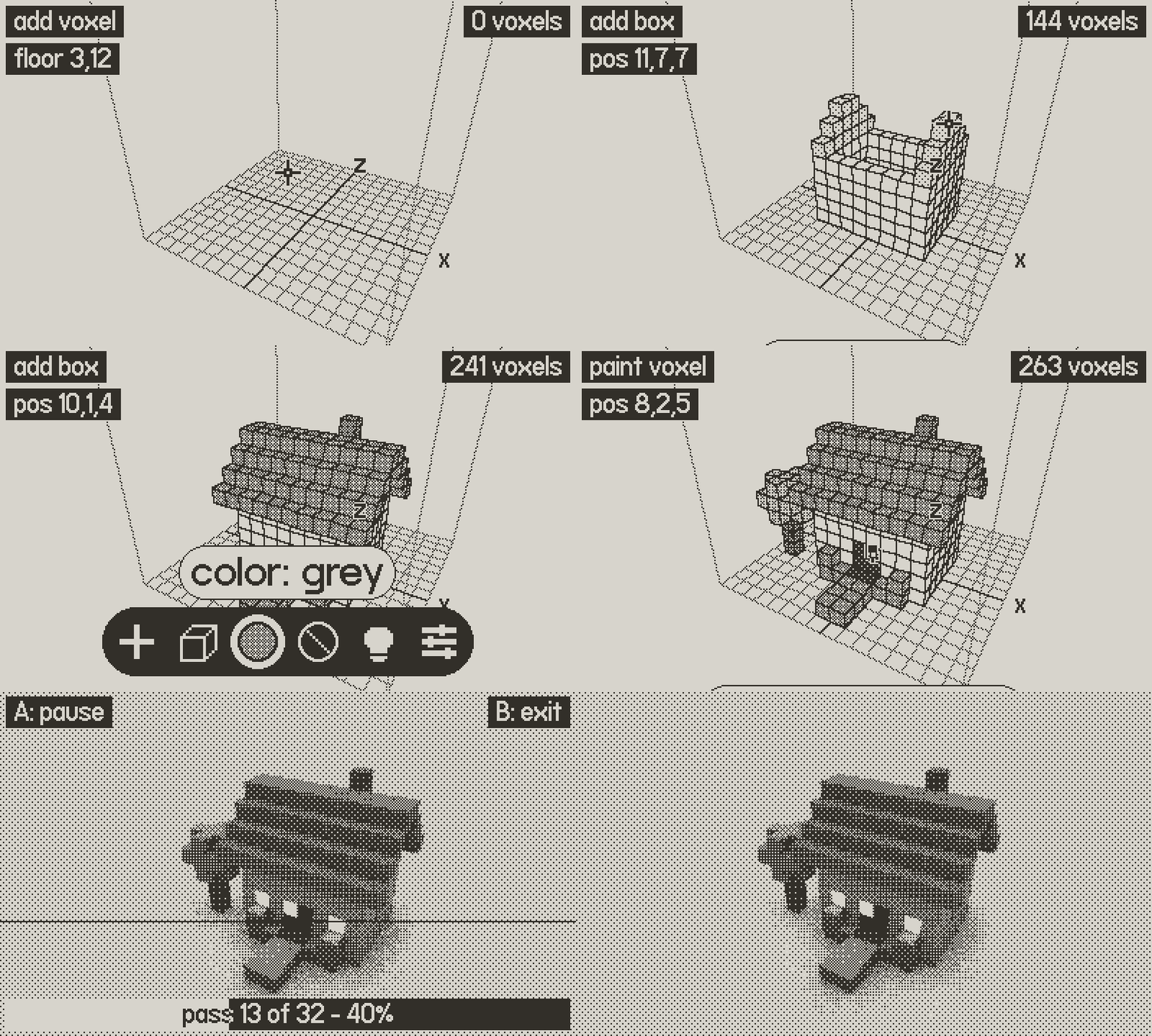
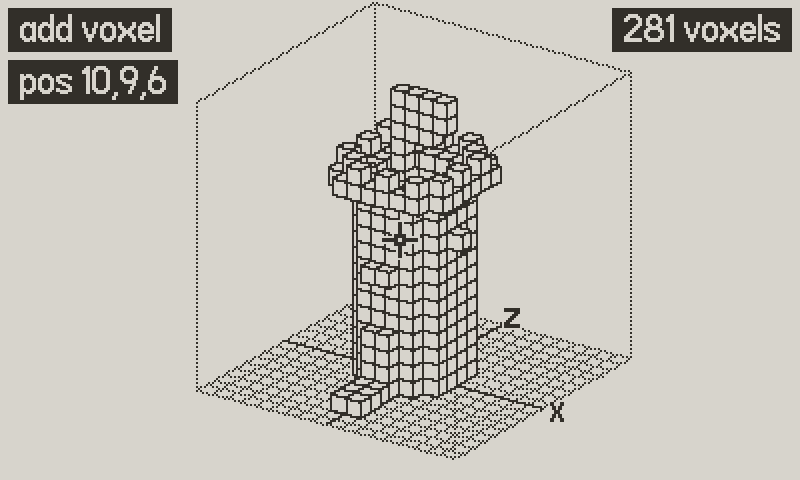
Voxipoxi is a little 3D workshop for the crank. Stack and carve cubes to build a cosy little house, a tree or a tiny car, paint them in eight shades of grey, and give the windows a warm glow.
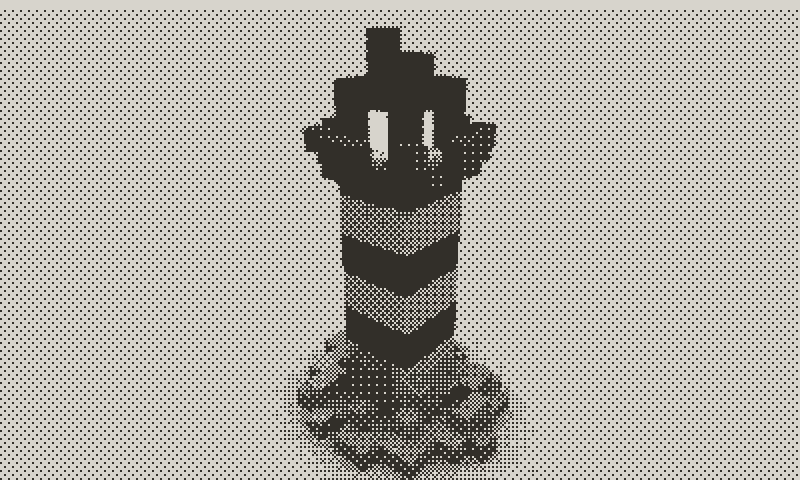
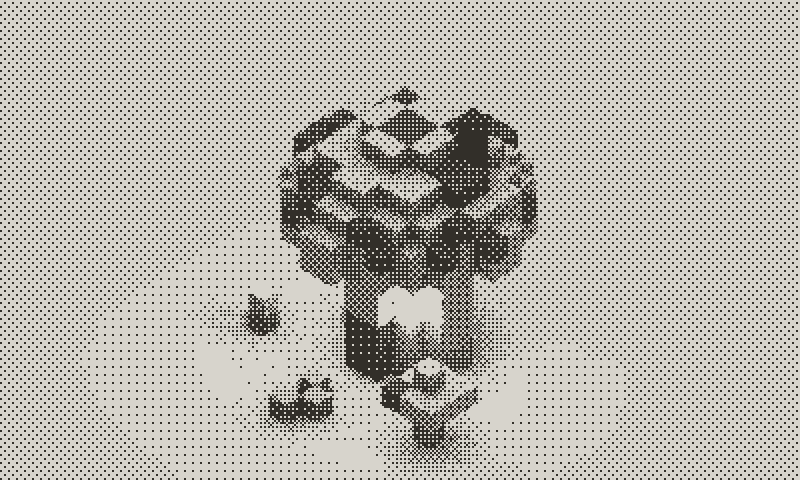
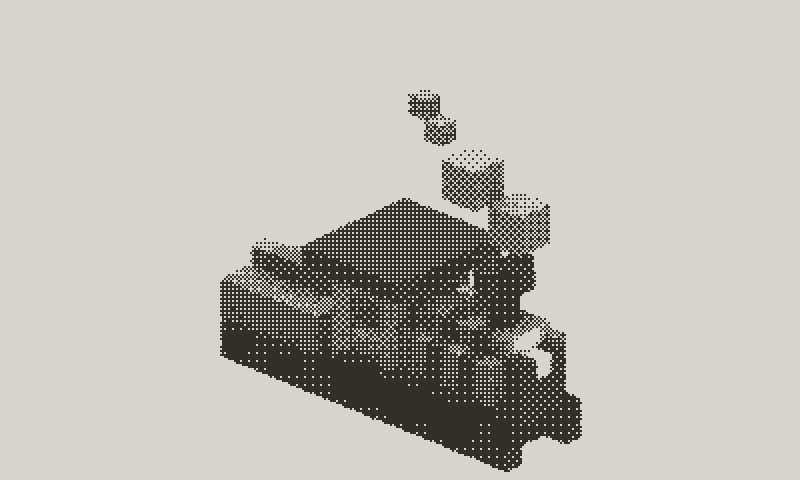
Then the magic part: a real raytracer, right on the Playdate, turns your model into a softly lit, dithered picture, or a hand-hatched pencil sketch. It still makes me smile every time it appears.
All in 1-bit, on a screen you hold in one hand.
Made for Playdate
Playdate has a crisp black-and-white screen, a d-pad, A and B buttons, and a crank on the side, and Voxipoxi is made to use all of them.
- The crank. Hold Ⓑ and turn the crank to zoom in and out, or hold Ⓐ and wind it back to undo and forward to redo. It makes 3D feel wonderfully hands-on.
- A 1-bit screen. Every picture is pure black and white, 400 × 240 pixels, so shades come from dither patterns. It looks wonderfully crisp in daylight.
How it works: from one cube to a rendered scene
01 · Start a new model
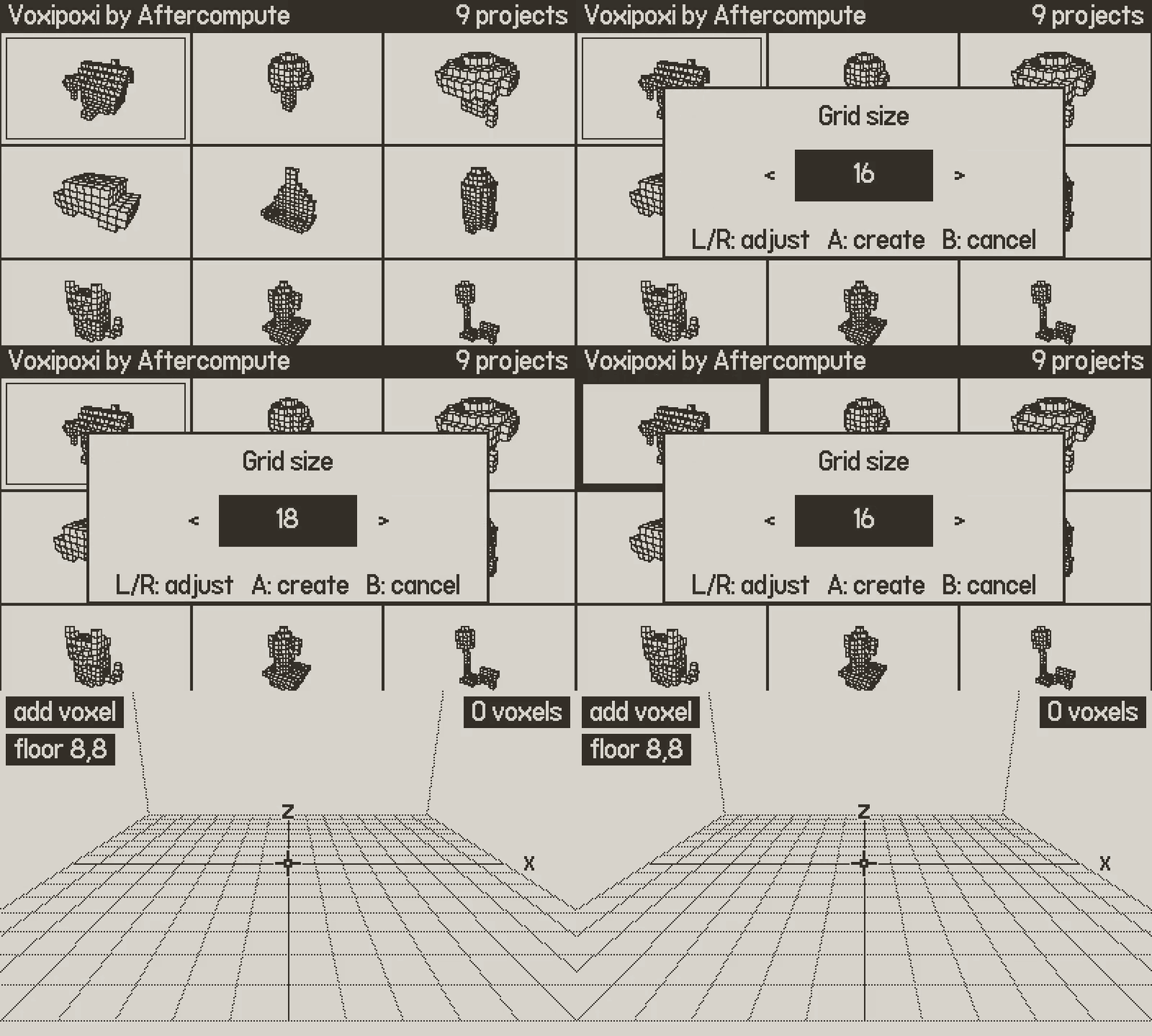
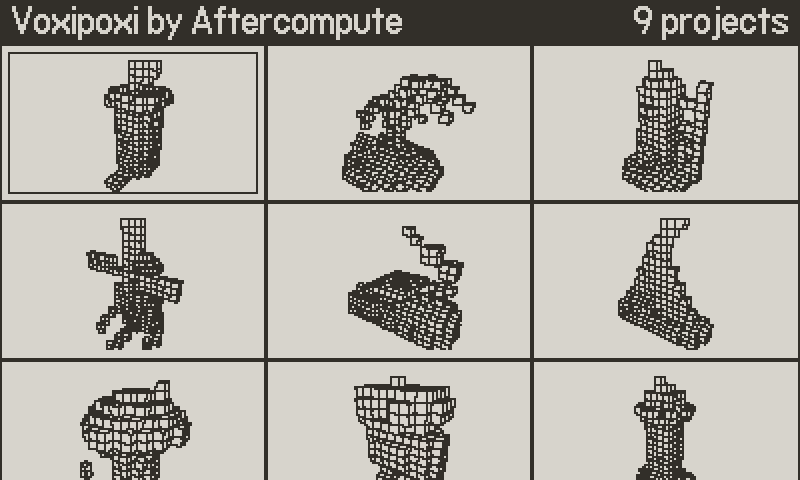
Open the system menu and choose new, pick a grid size, and press Ⓐ. Every project keeps its own camera, tools and settings, and saves itself automatically.
Menu → new · Project browser with thumbnails
02 · Drag out boxes
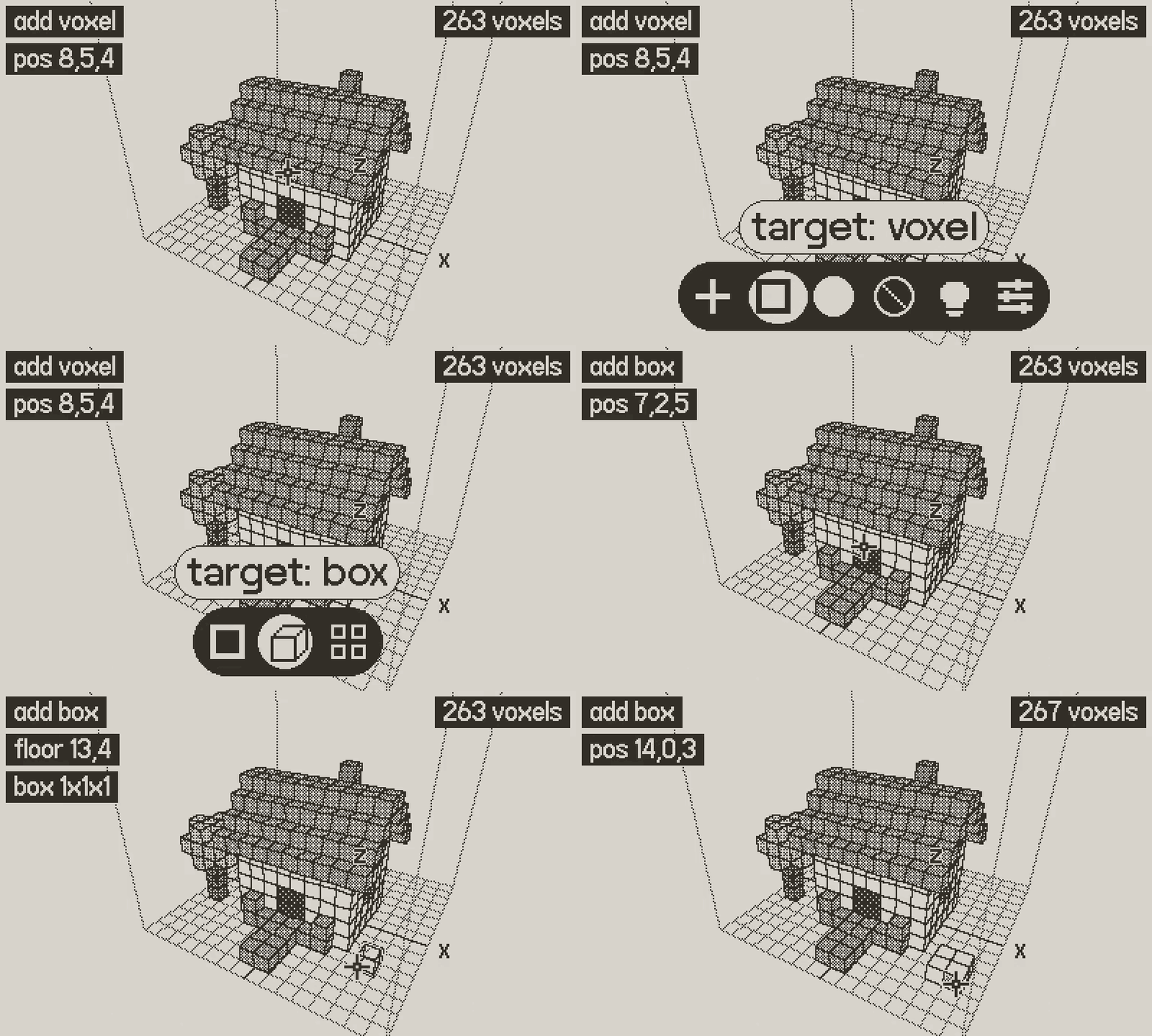
Tap Ⓑ to open the palette, choose add and box. Point at the floor, hold Ⓐ and steer with the d-pad to pull out a slab. Release to place it. Switch to surface to extrude whole walls at once, or voxel to draw cube by cube.
Hold Ⓐ + d-pad · Box · surface · voxel
03 · Orbit, zoom and refine
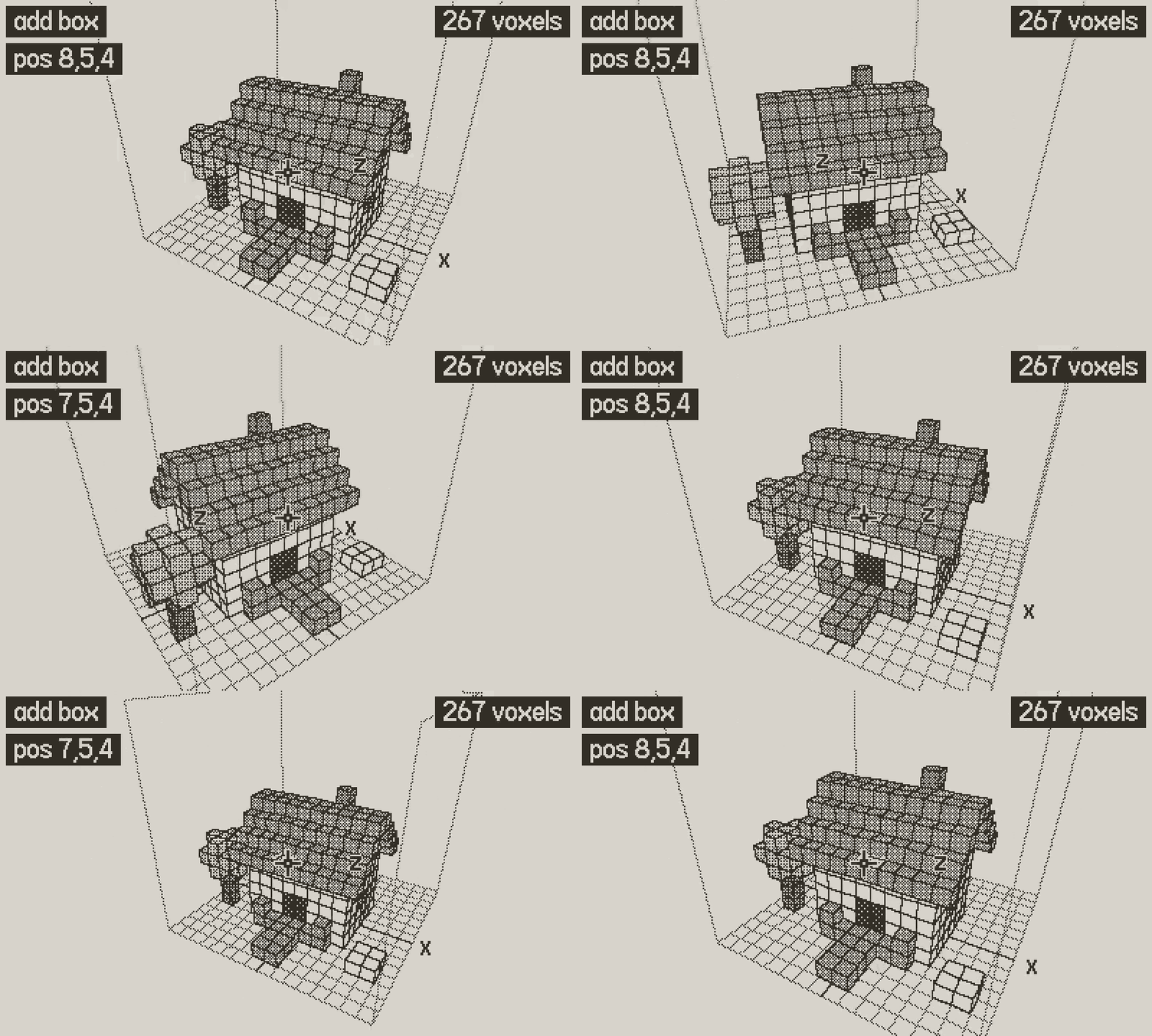
Hold Ⓑ and use the d-pad to orbit around your model, and hold Ⓑ and turn the crank to zoom. Turn on mirror to build both sides at once. Hold Ⓐ and wind the crank back to undo.
Ⓑ + d-pad = orbit · Ⓑ + crank = zoom · Ⓐ + crank = undo
04 · Paint and glow
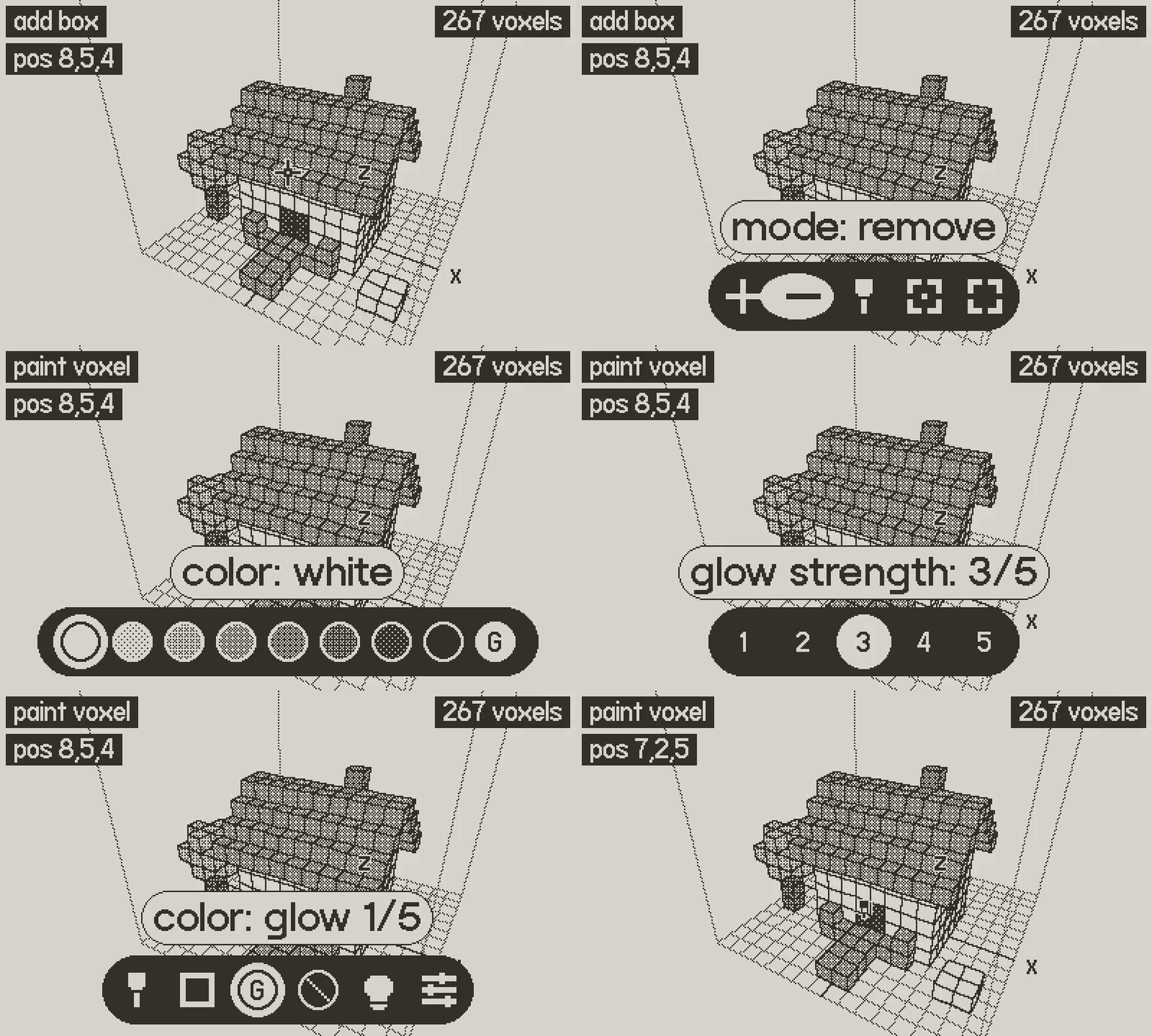
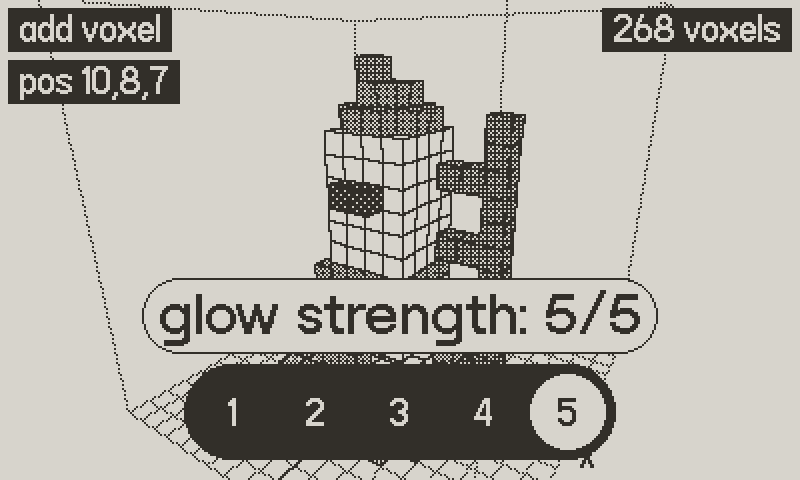
Switch to paint and choose a shade. Paint single faces, whole surfaces or solids. Pick G for glow, and those cubes will light up the scene when you render: perfect for windows, lamps and headlights.
8 greys · Glow 1–5
05 · Set up the render
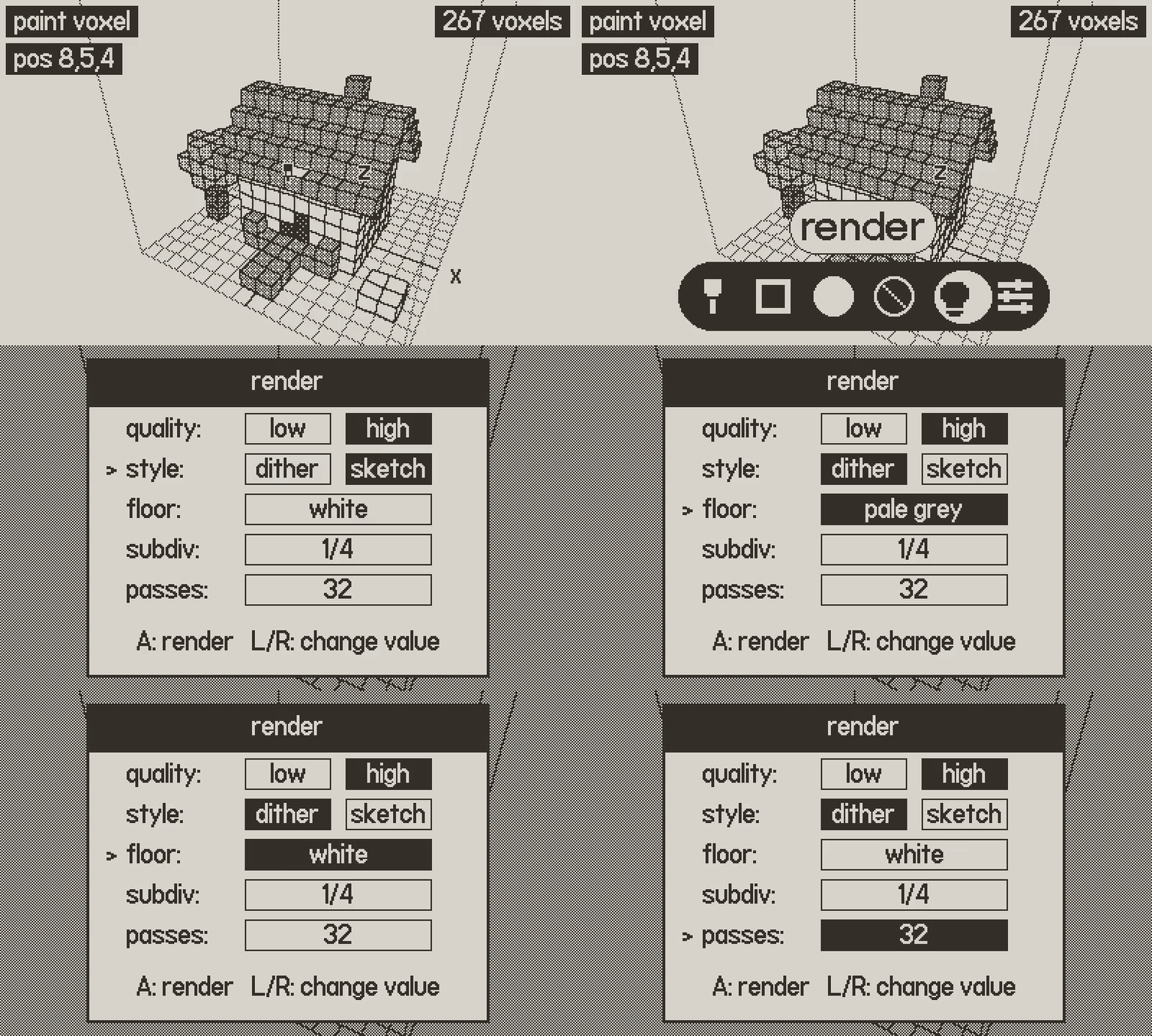
Open render and pick your look: quick or high quality, dither or pencil sketch, a floor in any shade, and how many passes. High quality adds ambient occlusion and soft light.
Dither / sketch · Up to 32 passes
06 · Watch it come to light
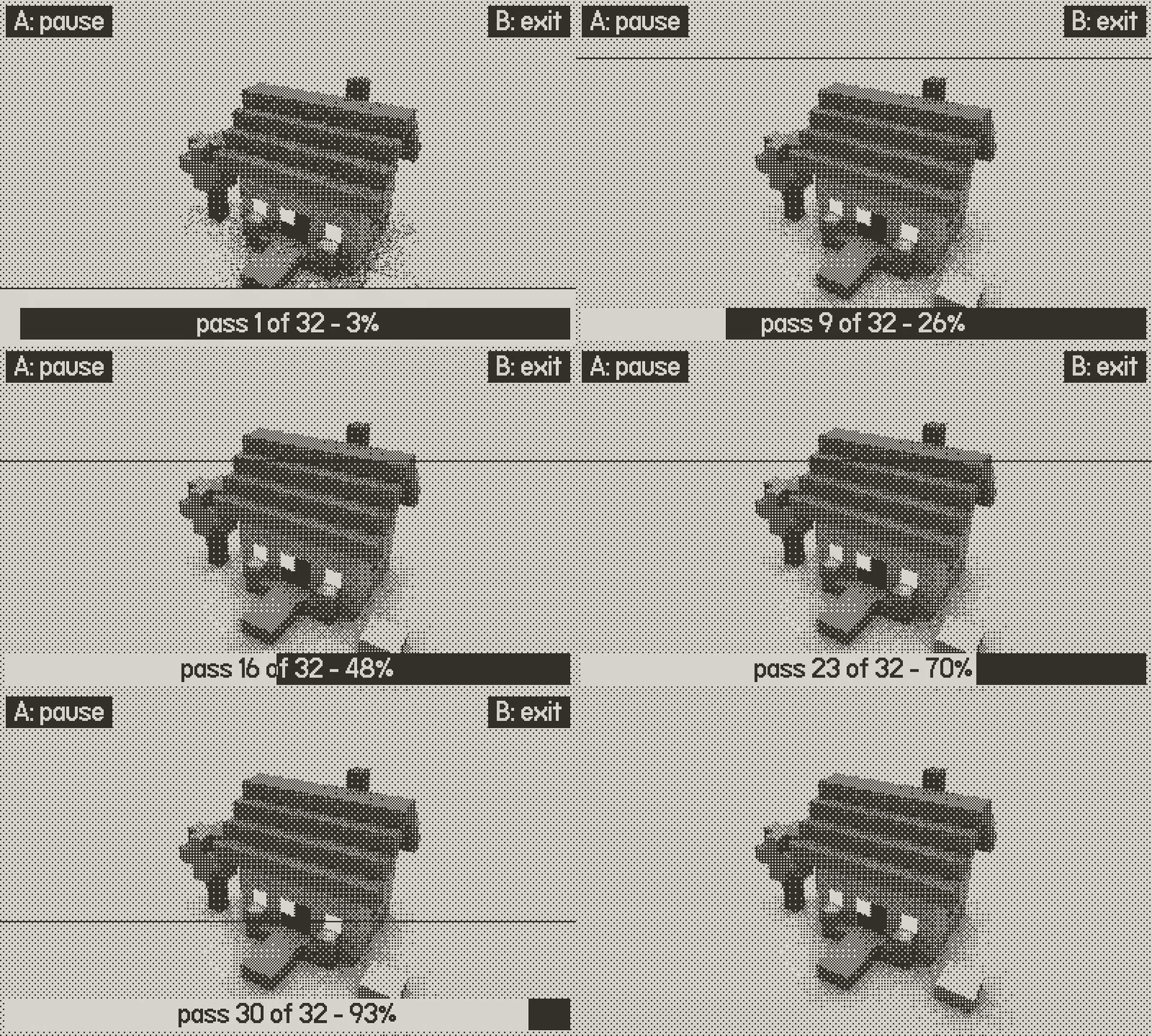
Press Ⓐ and the picture refines, pass by pass, right in front of you. Save it as a PNG from the system menu, or export the model as an OBJ file to keep working in any 3D app on your computer.
PNG export · OBJ export
07 · Render it your way
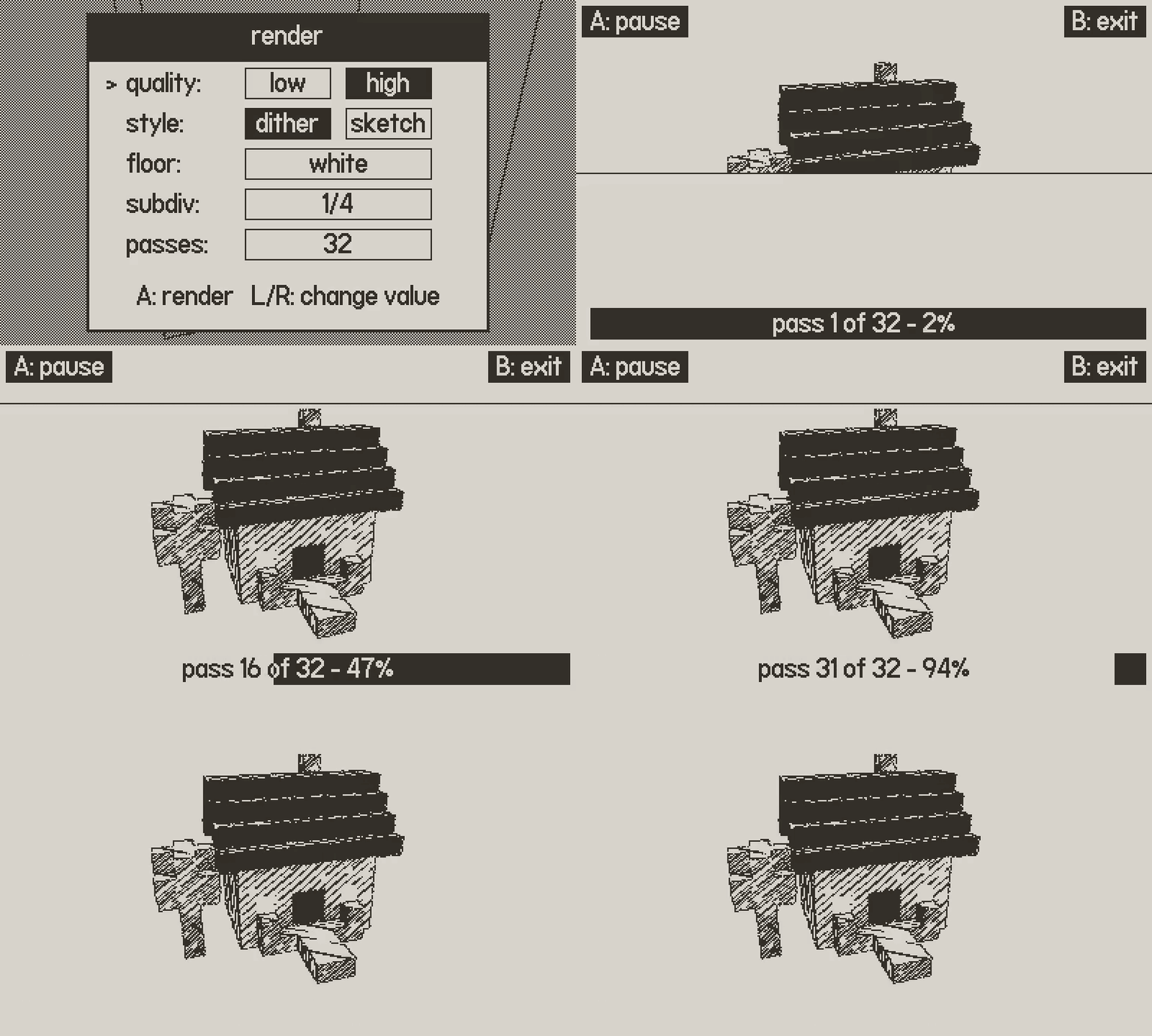
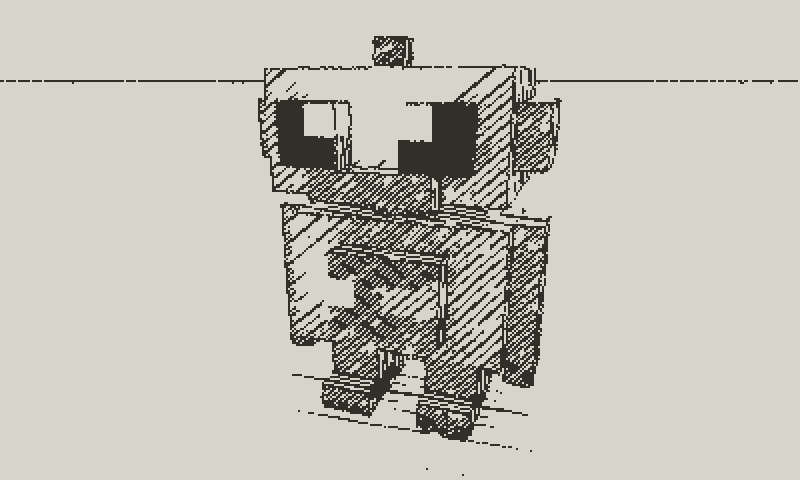
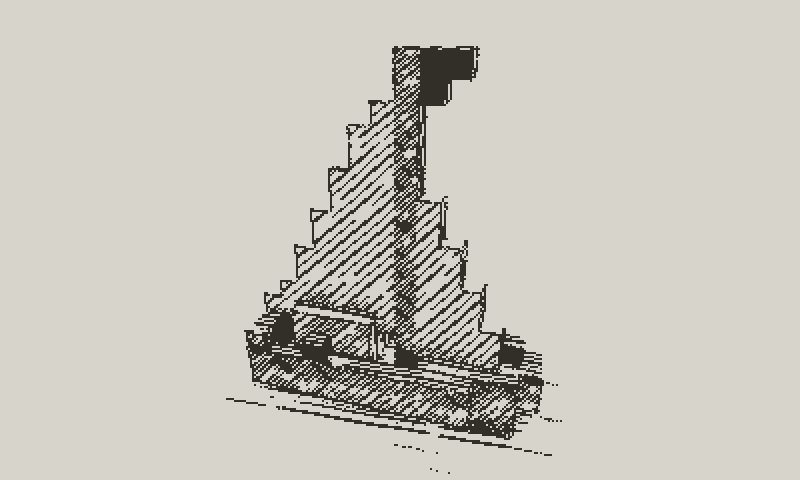
One model, many pictures. Switch the style from dither to sketch and Voxipoxi draws your model with hand-hatched pencil lines: every face gets its own stroke direction, and darker shades are hatched tighter. Try another angle or floor, and render again.
Dither · Pencil sketch · Any angle
Tiny dioramas, big satisfaction
- A cosy little house. Box out the walls, stack a pitched roof and a chimney, give the windows a soft glow, and render it on a pale floor before your stop.
- Prototype a game asset. Model a little car or robot with mirror on, so both sides build at once, then export the OBJ and pull it into your favourite 3D tool.
- A pencil-sketch print. Build a little house, switch the render to sketch for a hand-hatched look, and save the PNG as a 1-bit greeting card.
There's something deeply calming about building with blocks. You stop thinking about everything else and just place the next one, and the next one.
Everything inside
- Add, remove, paint, select: voxel pen, box drag, surface extrude and carve, and paint by face, surface or solid
- Select and move: delete, move, flip, duplicate or centre a selection, as one undo step
- Mirror editing: echo every edit across the X axis, the Z axis, or both
- Eight greys and glow: glowing voxels light the scene in the render
- A real raytracer: light and shadows, plus ambient occlusion and soft light in high quality
- Dither or pencil sketch: two render styles, with an optional floor in any shade
- View modes: shaded, paint, solid and wireframe, in perspective or orthographic
- PNG and OBJ export: copy renders and models to your computer via the Playdate's data disk mode
- Built-in help: an illustrated manual, and on-screen hints that show what Ⓐ will do
Controls
| D-pad | Move the cursor |
| Ⓐ | Place, paint or remove (hold and steer for boxes, extrudes and strokes) |
| Ⓐ + crank | Undo / redo |
| Ⓑ + d-pad | Orbit the camera |
| Ⓑ + crank | Zoom |
| Ⓑ (hold) | Pan |
| Ⓑ (tap) | Open the palette: mode, target, colour, mirror, render, settings |
Privacy
Voxipoxi collects no data. Your models stay on your Playdate, and the app never connects to the internet.
Designed and built by Patrik Stenberg.
© 2026 Aftercompute AB. All rights reserved.
Support: apps@aftercompute.se
Playdate is a registered trademark of Panic. Voxipoxi is an independent app by Aftercompute and is not made, sponsored or endorsed by Panic.
Download
Install instructions
- Download Voxipoxi-1.0.zip. It contains the app plus LICENSE.txt, PRIVACY.txt and README.txt.
- Sign in at play.date/account/sideload and upload the zip file as it is (or Voxipoxi.pdx from inside it).
- On your Playdate, open Settings → Games and refresh. Voxipoxi will appear in your library.
Or connect your Playdate over USB in Data Disk mode and copy Voxipoxi.pdx into the Games folder.

Leave a comment
Log in with itch.io to leave a comment.