Hilma Brush for Playdate
A downloadable tool

Hilma Brush is a little studio for pure black and white. Steer the cursor with the d-pad, turn the crank to size your brush, and stamp squares, circles, triangles, lines and polygons, solid or in seven kinds of dither.
And because every stroke is remembered, you can wind the crank backwards and watch your drawing un-draw itself, then forwards again, stroke by stroke.
The night city above was drawn with 1,598 strokes. The animation isn't a mock-up. It's that real history, played back.
Made for Playdate
Playdate has a crisp black-and-white screen, a d-pad, A and B buttons, and a crank on the side, and Hilma Brush is made to use all of them.
- The crank. Turn it to size your brush, change a dither pattern's density, zoom in, or scrub backwards and forwards through your drawing's history.
- A 1-bit screen. Every picture is pure black and white, 400 × 240 pixels, so shades come from dither patterns. It looks wonderfully crisp in daylight.
How it works: move, size, stamp
01 · Start a new drawing
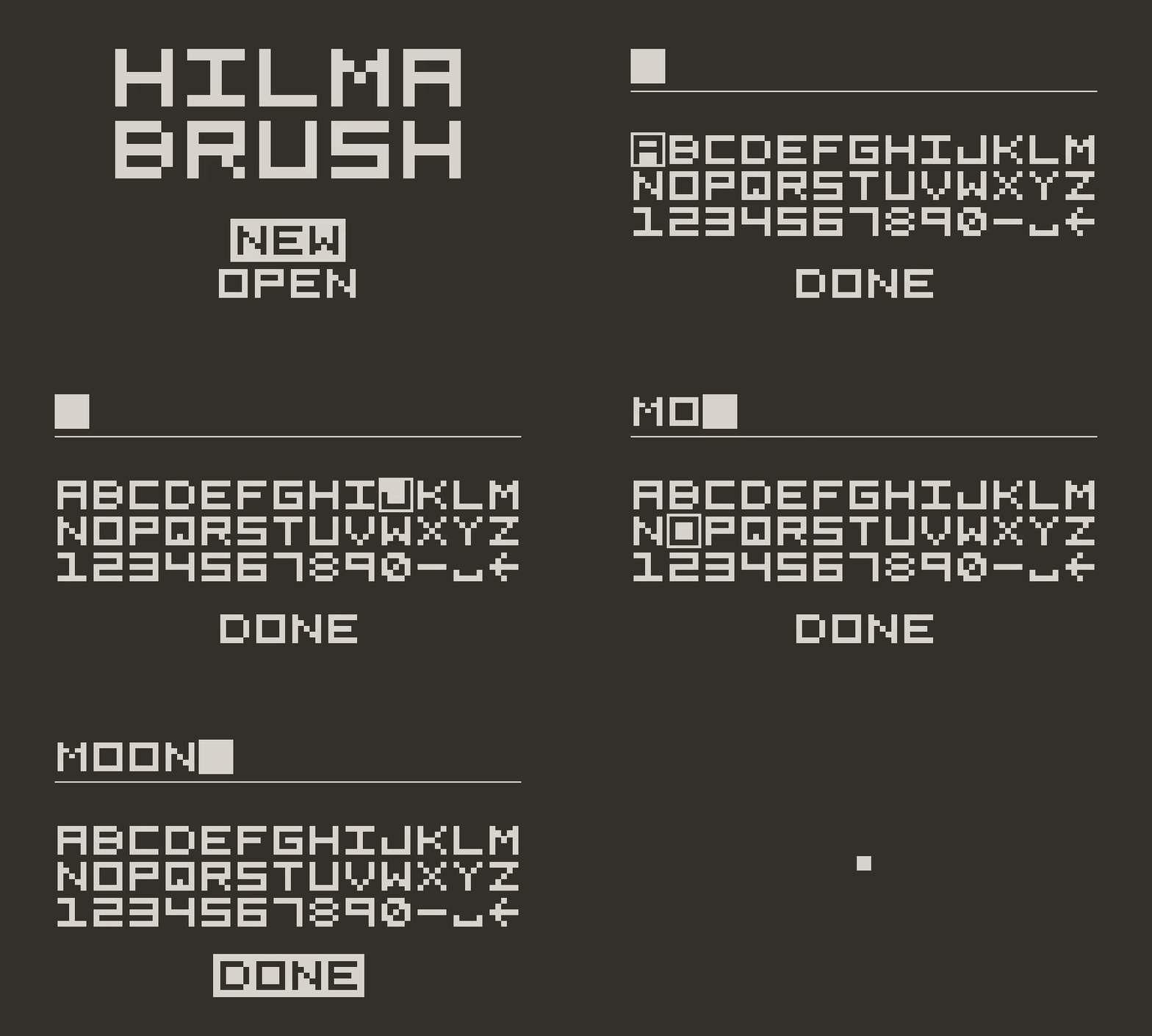
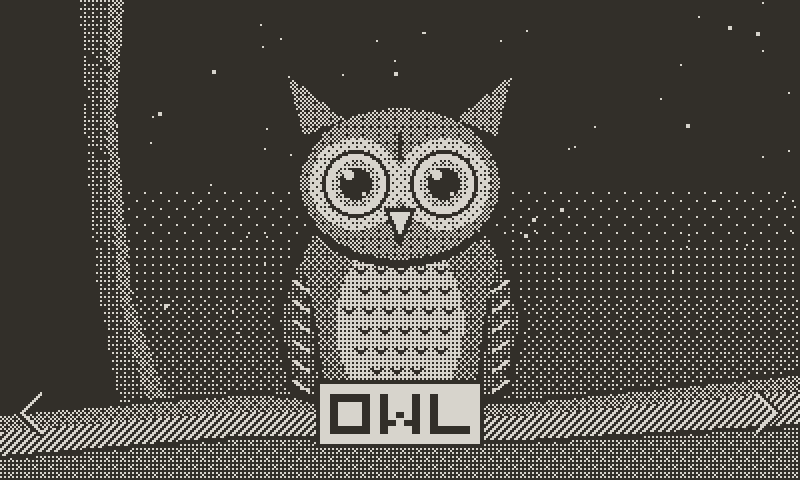
Choose NEW, type a name on the letter board and select DONE. Your canvas starts black, ready for white.
NEW / OPEN
02 · Choose a brush

Tap Ⓑ and open brush: solid, vertical, horizontal or diagonal lines, a screen, and three Bayer dithers. Turn the crank to change the density of the pattern you picked.
8 fills · Crank = density
03 · Pick a shape

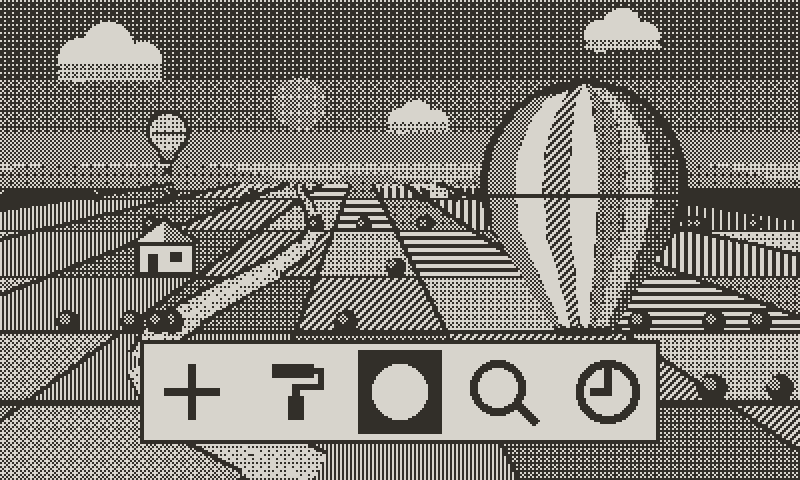
Square, circle, triangle, rounded square, a free polygon you click corner by corner, and a line with live preview.
Polygon · Line
04 · Move, size, stamp

Move the cursor with the d-pad, turn the crank to size the brush, and press Ⓐ to stamp. Switch to minus to paint black and carve shapes out, like a crescent moon from a circle. Hold Ⓑ for pixel-exact nudges.
D-pad = move · Crank = size · Ⓐ = stamp
05 · Zoom in on the details
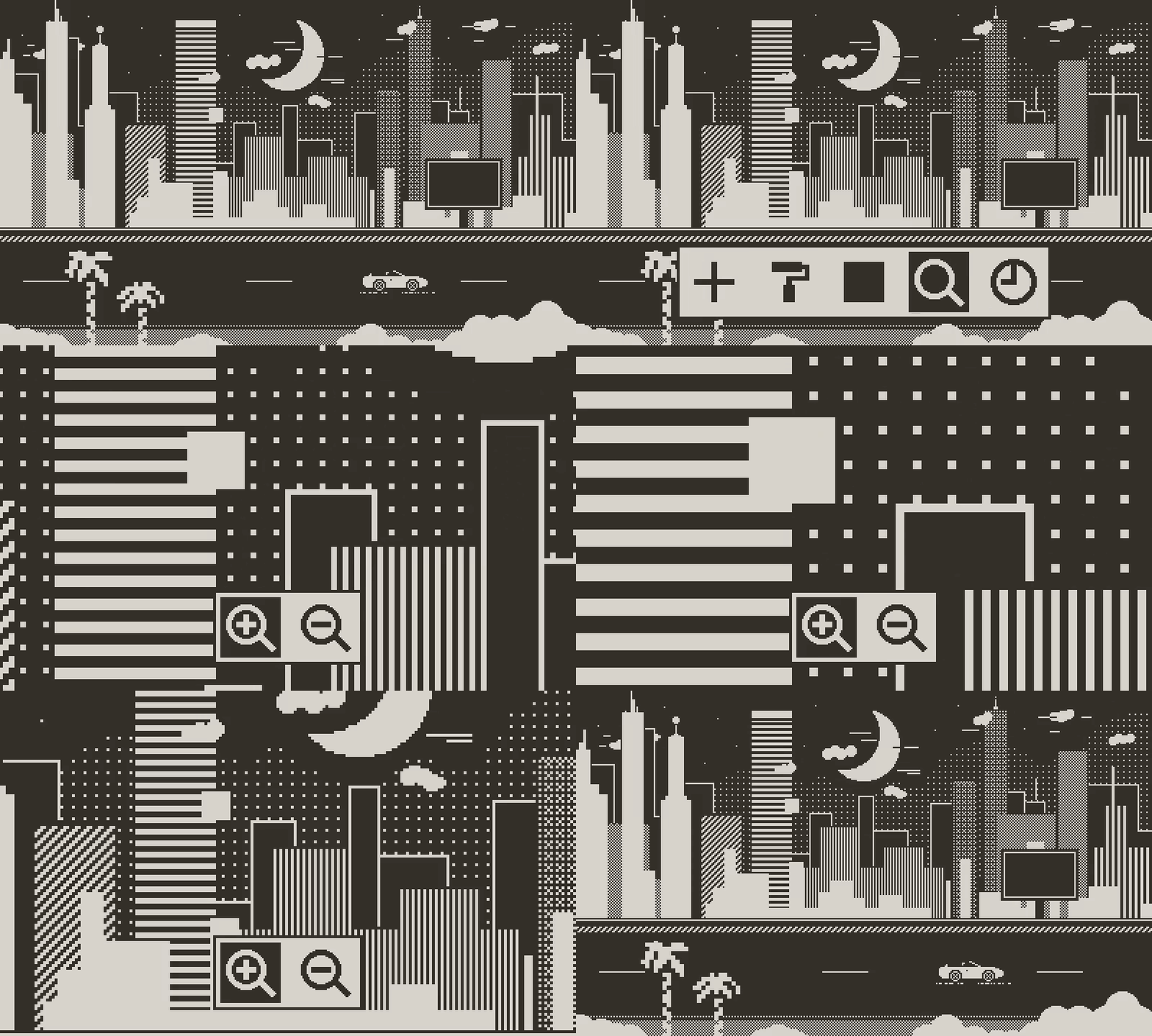
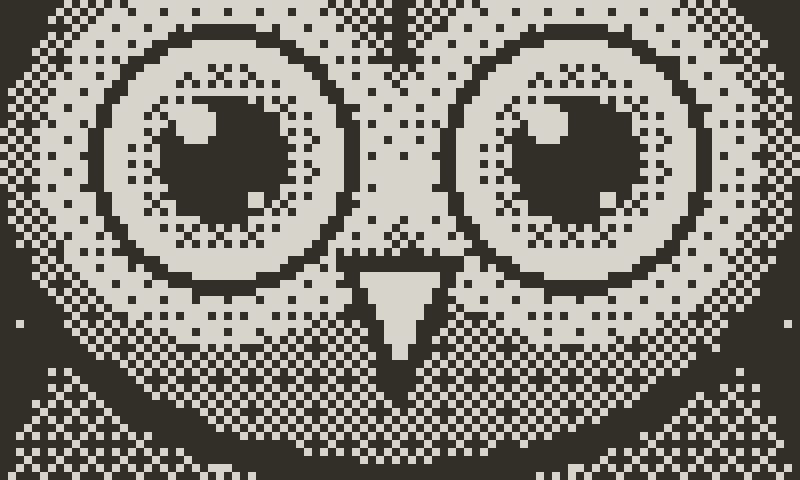
Zoom in up to 20 times and the view follows your cursor. Turn on snap to grid, thirds or a centre axis to help with composition.
Zoom 1–20× · Guides
06 · Rewind with the crank
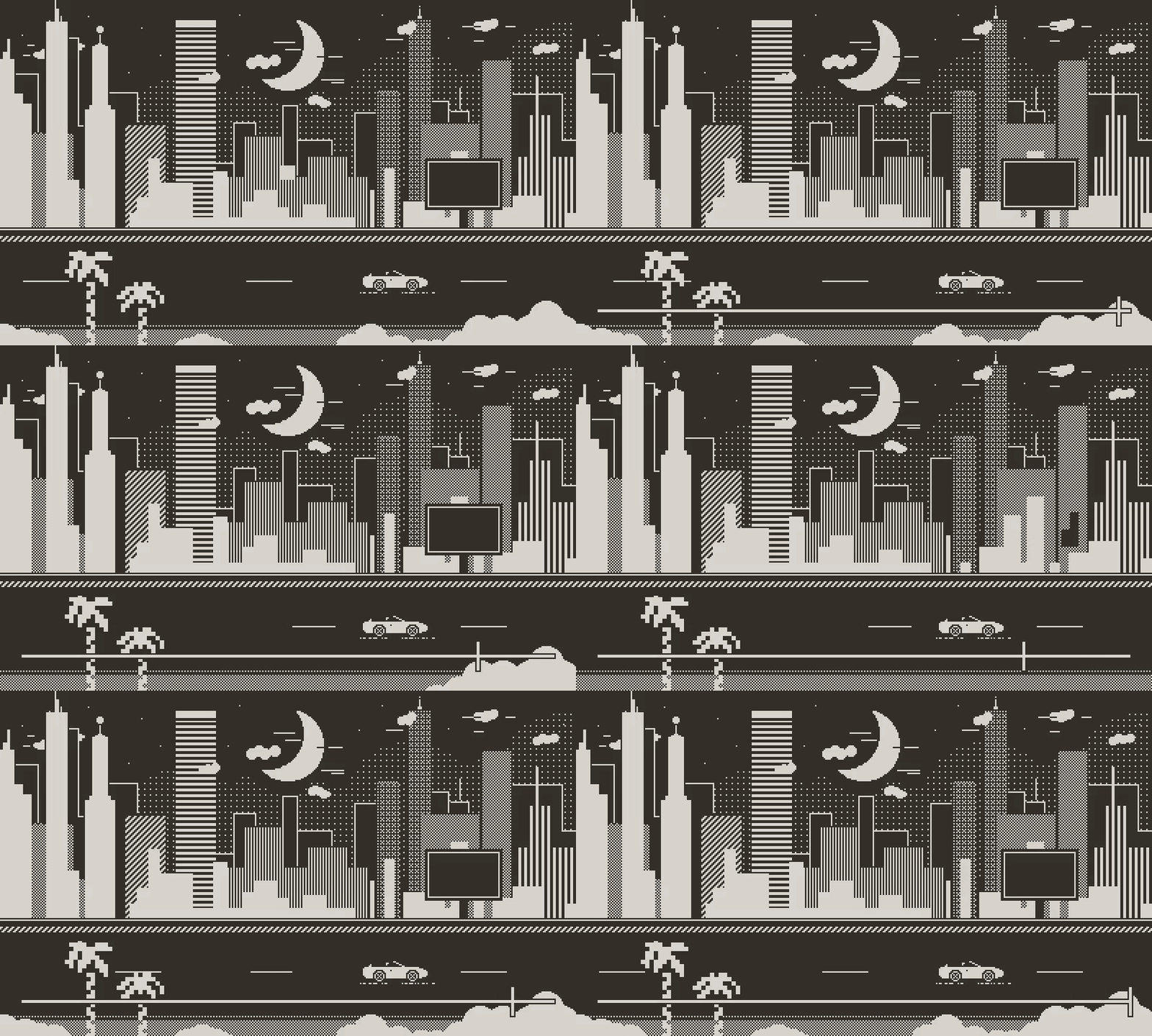
Open history and turn the crank to scrub backwards and forwards through every stroke you've made. Keep the version you like, or cancel and everything comes back. It's also a lovely way to watch a drawing replay.
History · Crank = scrub
Little drawings, big joy
- A night skyline. Stack rectangles and dithered towers, carve windows in black, and add a crescent moon. That's exactly how the city at the top was made.
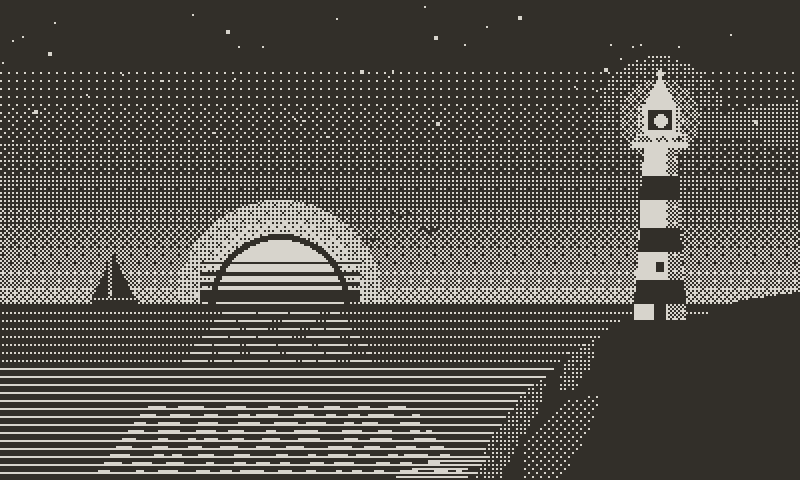
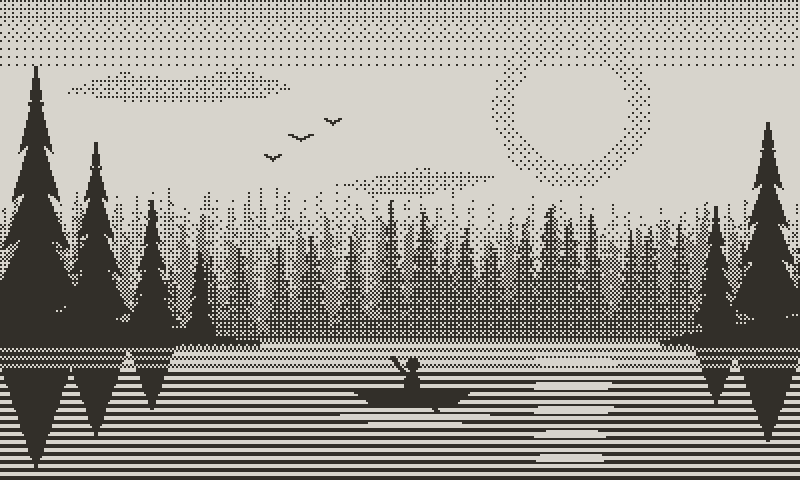
- A landscape to send. Dithered polygon mountains, a white hill, black triangle trees and a line for a shooting star. Saved as a .gif you can copy to your computer.
- Pixel-perfect icons. Snap to grid and centre axis on, a small brush at 8× zoom, and scrub the history to compare versions.
Working in just black and white is a wonderful teacher. Without colour to hide behind, you start to see shapes, contrast and texture everywhere.
Everything inside
- Six shapes: square, circle, triangle, rounded square, polygon and line
- Eight fills: solid, line patterns, a screen and Bayer dithers, each with adjustable density
- Crank-sized brush: from a single pixel and up, with precision nudging and snap to grid
- Add and remove: paint white, or carve back into black
- Composition guides: rule of thirds and a centre axis
- Zoom up to 20×: the view follows the cursor
- Full stroke history: saved with the project, to scrub, replay and rewind
- Saved as images: each named project is also saved as a .gif you can copy to your computer
Controls
| D-pad | Move the cursor (hold Ⓑ for pixel-exact nudges) |
| Crank | Brush size, pattern density, zoom, or scrubbing through history (depending on the tool) |
| Ⓐ | Stamp |
| Ⓑ | Open the tool menu |
| Menu | File · Project · About |
Privacy
Hilma Brush works entirely offline. It collects no data, and everything you draw stays on your Playdate.
Designed and built by Patrik Stenberg.
© 2023–2026 Aftercompute AB. All rights reserved.
Support: apps@aftercompute.se
Playdate is a registered trademark of Panic. Hilma Brush is an independent app by Aftercompute and is not made, sponsored or endorsed by Panic.
Download
Install instructions
- Download HilmaBrush-1.0.zip. It contains the app plus LICENSE.txt, PRIVACY.txt and README.txt.
- Sign in at play.date/account/sideload and upload the zip file as it is (or HilmaBrush.pdx from inside it).
- On your Playdate, open Settings → Games and refresh. The app will appear in your library.
Or connect your Playdate over USB in Data Disk mode and copy HilmaBrush.pdx into the Games folder.
Leave a comment
Log in with itch.io to leave a comment.